
BigLace for Android
Every device you own, laced together.
Chat with your people, talk in voice rooms, take over a Linux desktop or open a terminal on it. All from your phone, over a private network only your devices share.
-
All your machines,
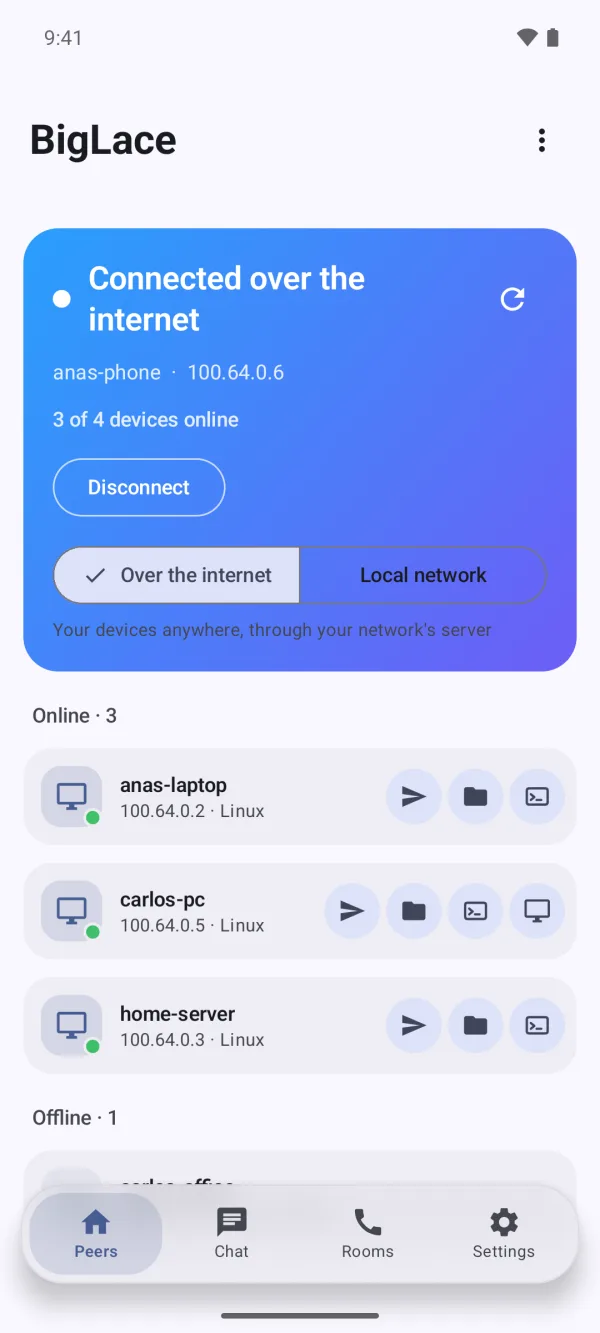
one glance.Every computer and phone on your network, who is online right now, and a tap away from its screen, its terminal or its files. No IP addresses to remember.
-
Chat that never
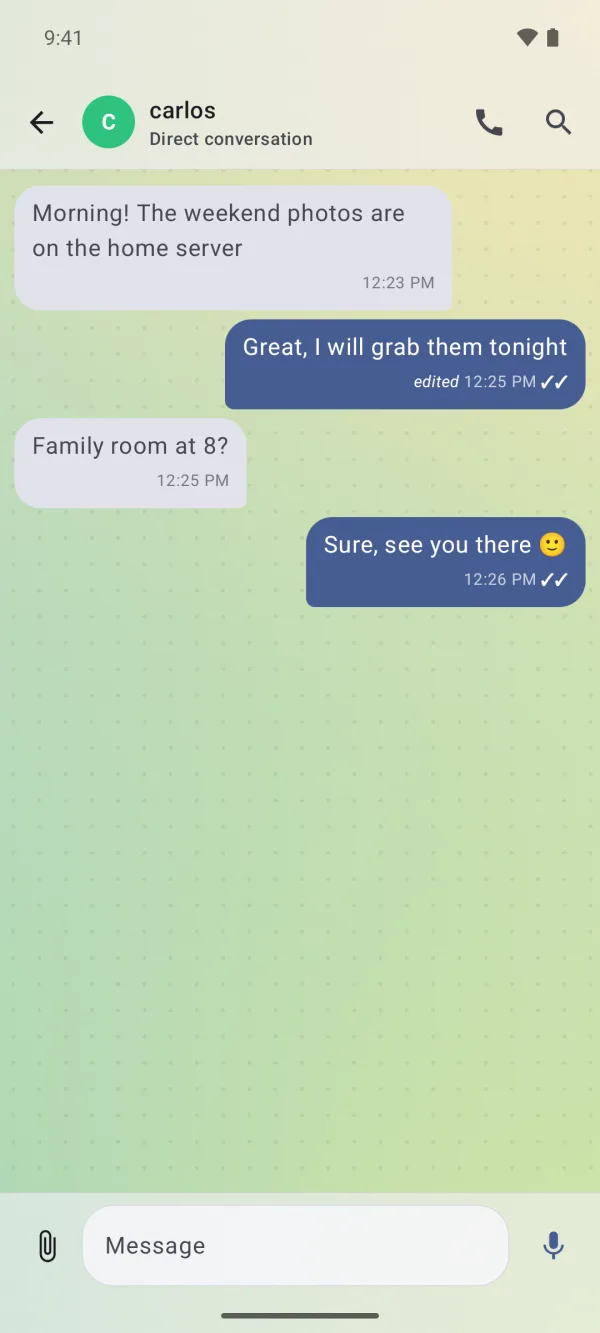
leaves your network.Direct and group conversations with photos, files, voice messages, reactions and @mentions. Type
:-)and it becomes 🙂. Messages go from device to device, and a notification takes you straight to the right chat. -
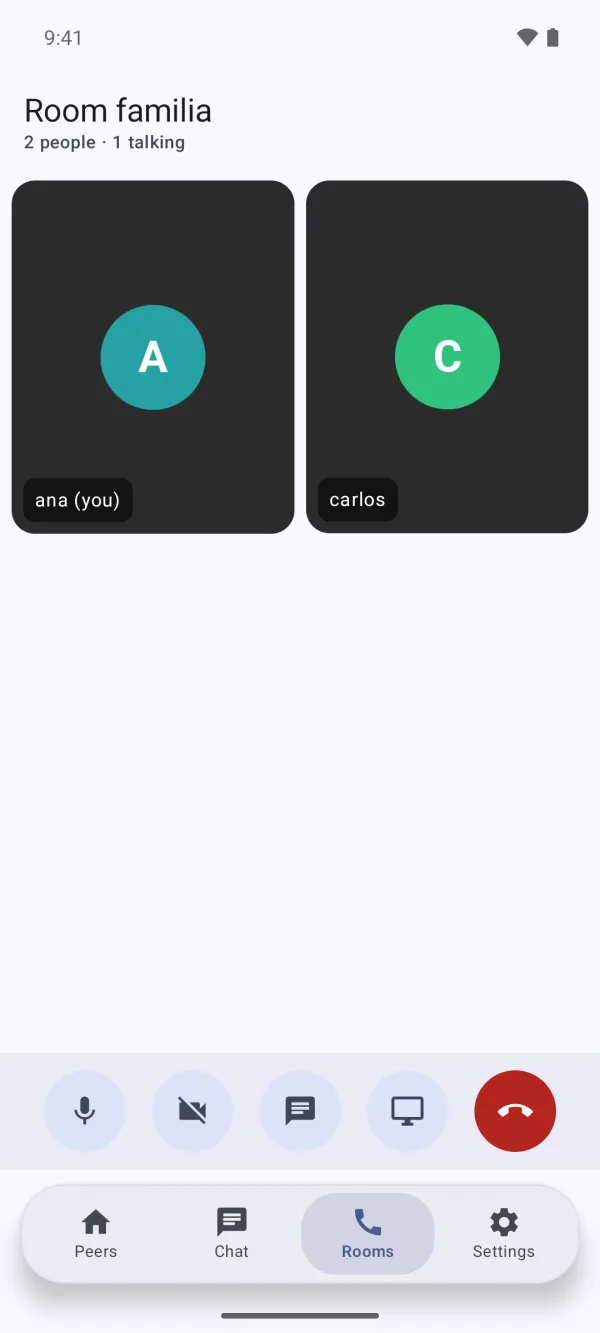
Every group gets
a room to talk in.Drop into your group's voice room, turn on the camera, chat on the side, or watch the screen someone is sharing. No meeting links, no invitations to send.
-
Turn sideways.
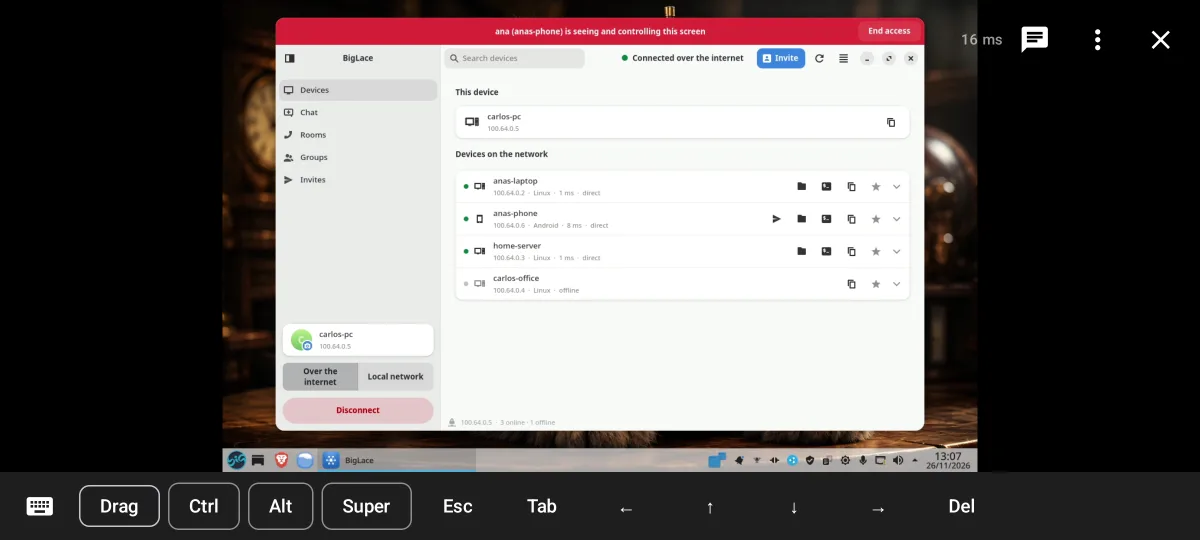
Take the wheel.See and control a Linux desktop from your phone, with sound. Tap to click, two fingers to scroll, a key bar for Esc, Tab and the arrows. The person on the other side always approves it first.
-
A real terminal,
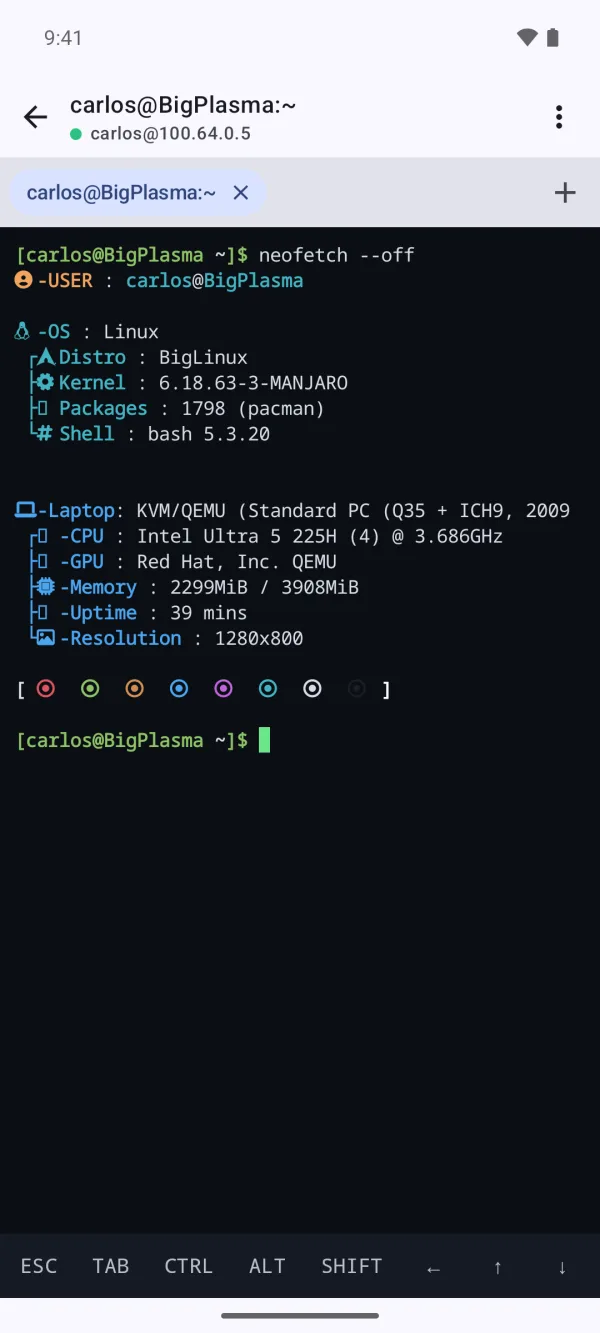
in your pocket.SSH into any machine and browse its files, with no ports to open and no router to configure. Keep several sessions open in tabs.
No middleman
reading along.
BigLace builds a private mesh between your devices with WireGuard encryption. Your phone talks to your computers directly, behind any router or mobile network, and your conversations live on your devices, not on someone else's server.
- 0 ports to open
- 1 QR code to join
- ∞ devices on the same thread
Joining takes one scan.
Open BigLace on your Linux computer, choose Connect a phone, and point the camera at the code. The phone joins your account with its own key. Nothing to copy, nothing to type.
Lace them up.
Set up the network on your computer, then join it from your phone. BigLace for Android is also on its way to Google Play.
Android 8 or newer. An older 32-bit phone? Get that version.